
Focus
What stays sharp. Leave it automatic, tap it on the image or pull it by hand, in diopters (1 diopter = focus at 1 meter; 0 = infinity).
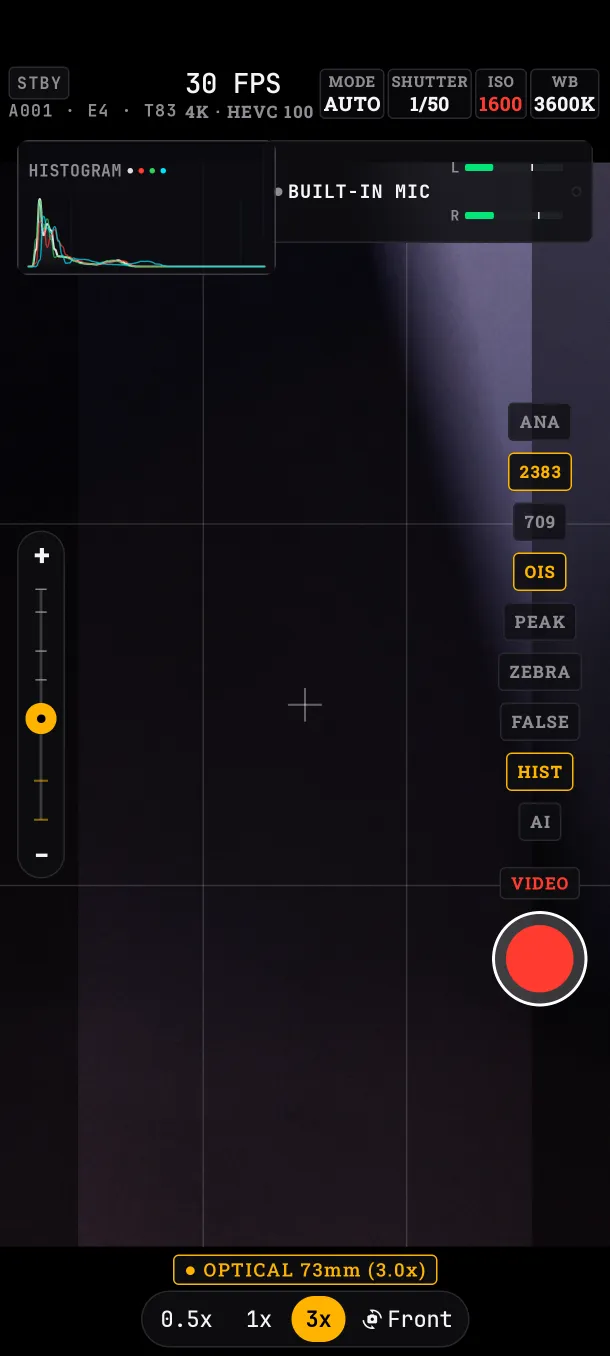
Tap to focus
Tap the image where you want focus. A reticle appears that you can drag, with the buttons AF-L (locks focus there), SET A and SET B (store points for a focus pull) and ✕ (back to automatic).
Modes and manual focus
Tap AF in the HUD. Modes: AUTO (continuous), MANUAL (diopter wheel) and AF-L (locked). Leaving manual keeps the distance.
Rack focus (pulling focus from one point to another): store two distances with SET A and SET B, choose the speed (0.5, 1 or 2 seconds) and use ▶ TO A, ▶ TO B or ⇄ RACK. While it moves, ● RACKING... shows.
Follow a face
With the AI switch on and focus on AUTO, focus follows the main face and marks it with a box. It does not act with AF-L, with a tapped point or in manual focus.
Fixed-focus lenses
Some front cameras cannot focus. On them the HUD shows FOCUS FIXED, and autofocus, AF-L, tap to focus and face tracking do not appear.
What if…
- …I switch to the front camera with a tapped point: the point is cleared; it belonged to the other lens.
- …I load a preset: focus does not change. Each take focuses on its own subject.