
Color
How colors look: white balance (making white look white), the picture profile and LUTs, which are color "looks".
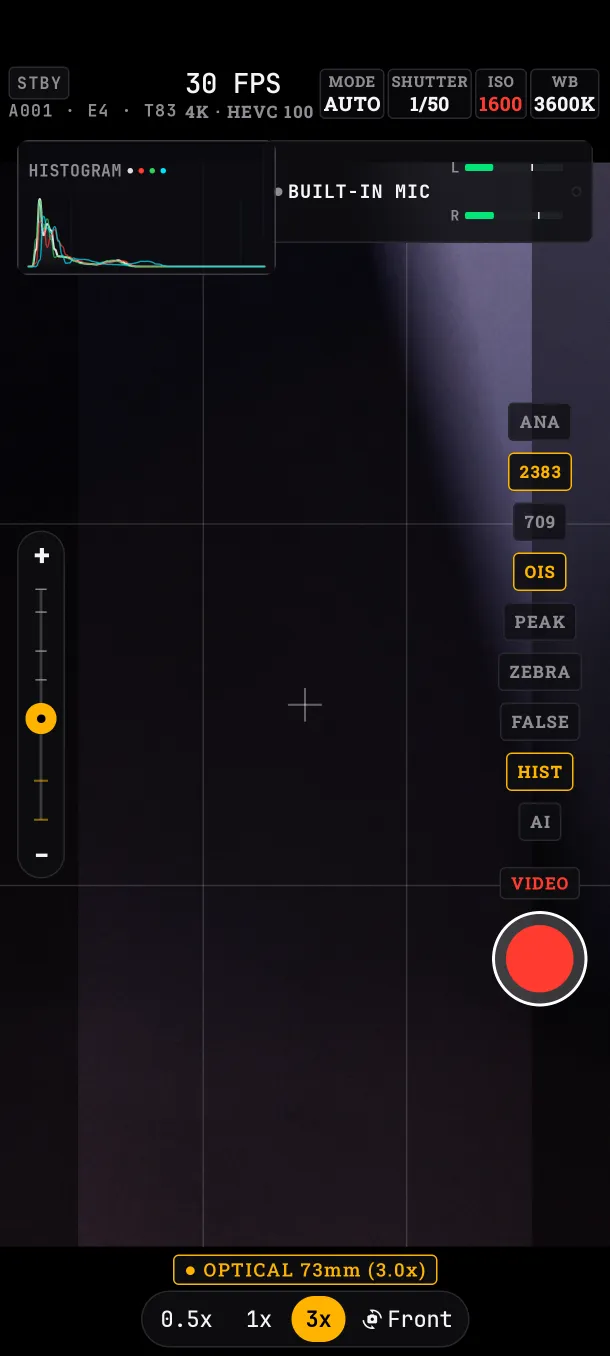
White balance
Tap WB. With AWB the app sets it; in manual you choose the temperature in Kelvin (K), from 2000 to 10000 K in steps of 100. Shortcuts: 3200K (tungsten), 4000K (fluorescent), 5600K (daylight), 6500K (cloudy) and 7500K (shade).
TINT corrects the hue between green (−20) and magenta (+20).
Going from AWB to manual keeps the Kelvin and tint AWB was measuring. The app uses the sensor's factory calibration, so the same Kelvin gives the same color take after take.
Picture profile: 709, FLAT and LOG
The profile button switches between 709 (normal contrast), FLAT (softer) and LOG (flattest, for grading).
FLAT and LOG change how the viewfinder looks. In the file they remove sharpening and noise reduction, but they do not apply the flat curve: the curve is viewfinder only.
LUT
A LUT is a table that turns colors into a look. Included: OFF, Clean Rec.709, Teal & Orange, Kodak 2383 and Monochrome Noir, with 100, 80, 60, 40 or 20 % opacity. The LUT button opens the panel; if it is already open, it moves to the next one.
- MONITOR ONLY: the LUT shows in the viewfinder, but the file stays clean.
- BAKE IN REC: the LUT is recorded into the file. It only works at 1080p and 24, 25 or 30 fps. While recording with BAKE, the LUT, opacity and profile are locked.
What if…
- …I turn on BAKE in 4K: the panel says
BAKE: 1080P ONLYand the LUT is not recorded. - …I record with MONITOR ONLY: the file comes out without the LUT; apply it in editing if you want it.