
Audio
Where your videos' sound comes from and how to control it.
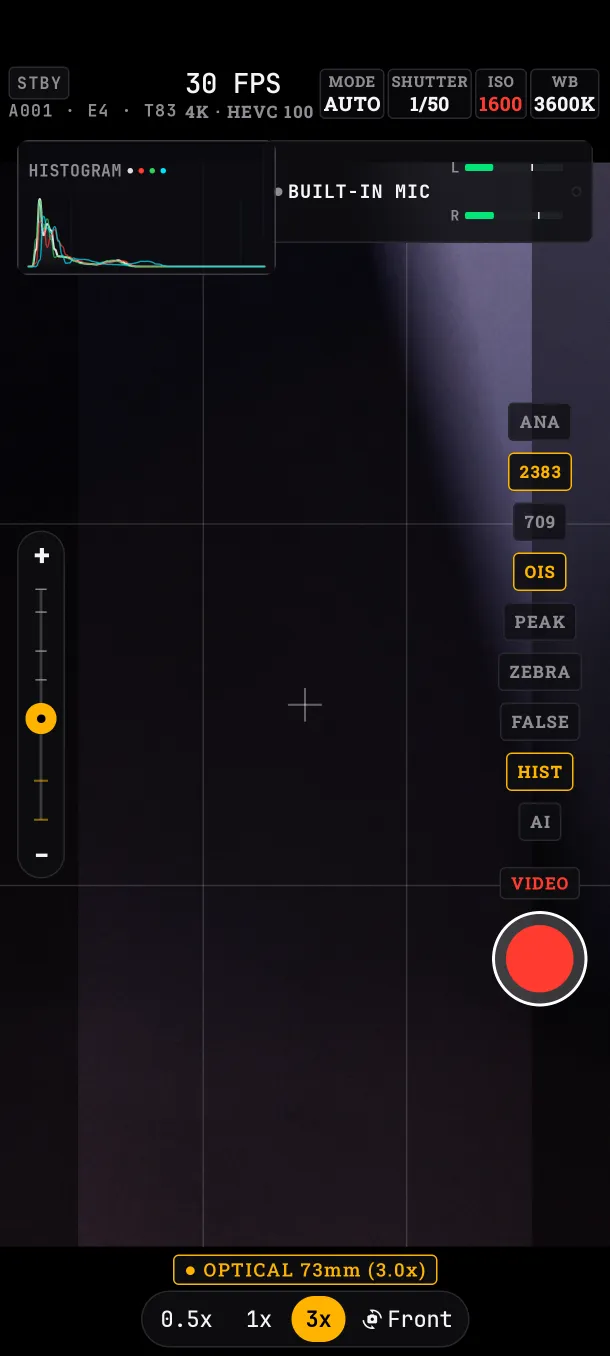
- Audio Per-channel meters. Tap them to pick the input. See below
Meters
They show the level of the left and right channels (L/R), or TX1/TX2 with a two-mic wireless receiver. They hold the peak and mark clipping: if a channel hits the top, lower the gain on the microphone.
Choosing the input
Tap the meter to open AUDIO INPUT ROUTING, with the available inputs (USB, Bluetooth and built-in) and the active one marked. If you don't choose, the app prefers USB, then Bluetooth, then the phone's microphone.
Format
Stereo AAC at 48 kHz. The app has no gain or filters: set them on the microphone or in editing.
What if…
- …I plug in a USB receiver: it becomes the active input, unless you picked another one by hand.
- …only one channel moves: the microphone is mono, or the receiver has a single transmitter on.